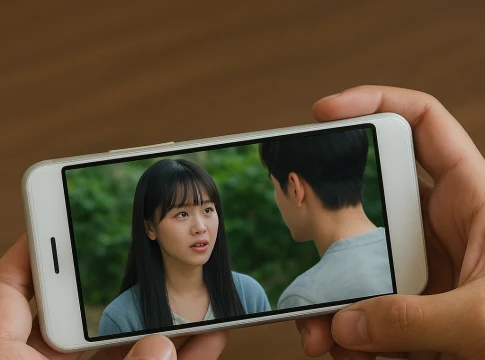
Watching Free TV on Your Cell Phone: The Legal and the Risky Options
Watching television on your cell phone is no longer a novelty — but the subject remains surrounded by apps that promise "all pay-TV channels for free." It's worth starting by separating the two things, because they are not related: there is the Free and legal TV, supported by advertising, and there is the pirate streaming aggregator, which redistributes signal that does not belong to it.
The first category is great and has grown significantly in recent years. The second is illegal, unstable, and often comes bundled with malware. This guide covers both: what to install and what to avoid, and how to tell the difference in thirty seconds.
How does free legal TV work?
These services are called FAST channels, an acronym for ad-supported free television. The model is the same as traditional broadcast TV: the service licenses the content, creates thematic channels with continuous programming, and sells commercial breaks. You don't pay a monthly fee, you don't need to register in most cases, and you watch with ads.
What these channels have: catalog movies, complete old series, documentaries, cooking shows, international news, cartoons, reality shows, and themed programming running 24 hours a day. What they don't have: the pay-TV sports channel that broadcasts the championship, the premium movie channel, and the soap opera currently airing on free-to-air television. This content is owned and sold at a high price—no free service can offer it.
Options worth installing
Pluto TV
It's the benchmark for the format: dozens of themed channels organized in a programming guide, plus an on-demand catalog. It doesn't require registration, it's lightweight, and it works well even on modest connections. For those who simply want to turn it on and let it run, it's the best choice.
Plex
It offers free channels and an on-demand catalog, and can even be used to organize your own library of legally acquired videos. More versatile and a little less straightforward to set up than its competitors.
Red Bull TV
Free and without registration, featuring live streams of action sports, concerts, documentaries, and series produced by the brand itself. It's proprietary content—therefore, it can be made available without copyright issues.
Official YouTube channels
Broadcasters, newspapers, and production companies maintain free live streams and full programs. It's the most underrated legal source and the one that requires the least installation—it works in the app you already have.
The broadcaster's own app
Brazilian free-to-air television channels have their own apps with live feeds, news broadcasts, and program excerpts—some free, some for subscribers. It's the official way to watch free-to-air TV on your mobile phone.
How to recognize a pirate aggregator
Some signs appear together and are unmistakable:
- It's not on Google Play or the App Store. It is distributed via an APK file downloaded from a website or a messaging group.
- It promises "hundreds of pay-TV channels" for free., including sports and premium movies.
- He asks for strange permissions. for a video player, such as contacts, SMS, or installing other applications.
- There's an aggressive, full-screen ad., redirects and persistent notification requests.
- Some disappear from the air without warning. and reappears under a different name — because it was overthrown.
Redistributing TV broadcasts without authorization is illegal in Brazil, according to the Copyright Law. But for those who install them, the immediate problem is different: these apps are outside any security review and are a known vector for malware and advertising fraud, running on the same cell phone where the bank's app is installed.
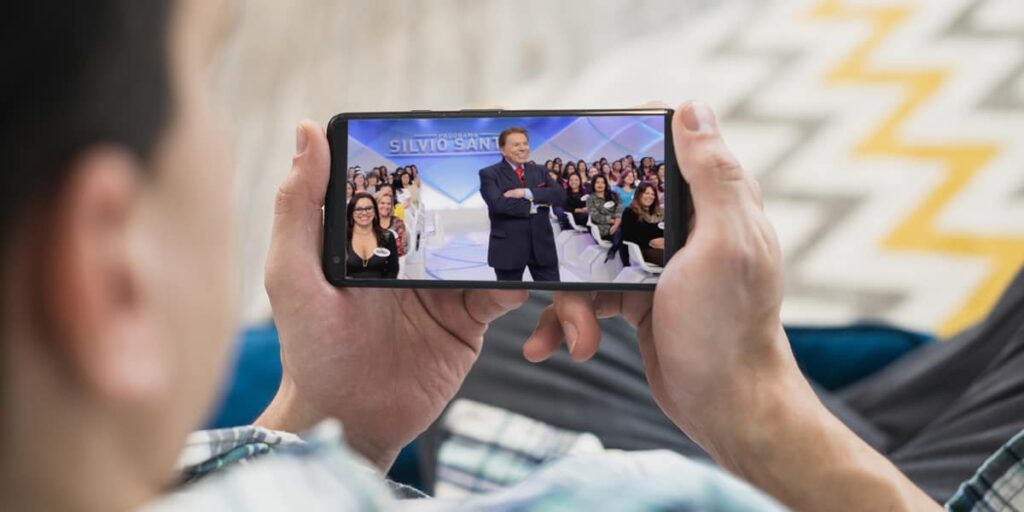
The alternative that almost no one remembers.
Before installing anything, it's worth remembering about digital over-the-air television. The signal is free, has better image quality than most free streaming services, doesn't consume any data from your plan, and doesn't depend on the internet. A simple indoor antenna is sufficient in most cities. Some cell phones and adapters even allow you to receive the over-the-air signal directly.
For those who want pay-TV channels, the legal way is to subscribe — and it's worth knowing that today there are monthly packages without a commitment period, which allows you to subscribe only in the months you're interested in and cancel afterwards.
Usage tips
- Reduce the resolution when using mobile data: Live TV in high definition consumes several gigabytes per hour.
- Prefer Wi-Fi for watching for extended periods.
- Install two services: the catalogs and channel guides are almost identical.
- Mirror your TV via Chromecast or AirPlay whenever you want a big screen.
- Set up parental controls if there are children at home — the grids mix classifications.
Why does live TV on mobile phones lag?
You're watching a game or a show finale on your phone and your neighbor shouts before you can see it. It's not your imagination, and it's not your internet's fault: live streaming broadcasts do indeed arrive after regular television, and the difference is usually between a few seconds and about a minute.
The reason lies in the path the video travels. On broadcast TV, the signal leaves the station, goes up to the antenna, and reaches your device almost instantly. In streaming, it goes through three stages that the antenna doesn't:
- Compression in various qualities. The same content is simultaneously encoded in different resolutions so that the player can switch depending on your connection. This takes processing time.
- Slice into pieces. The broadcast is cut into segments of a few seconds each, which are published one by one. You can only receive a segment after it has been completed in its entirety.
- Safety stock on your device. The player saves a few seconds of advance time before starting to display, so it doesn't stop with every network fluctuation. This buffer is precisely part of the delay.
Some services offer a low-latency mode, which shortens segments and reduces waiting time to a few seconds—in exchange for more buffering on unstable connections. It's a choice, not a defect.
Three practical consequences are worth noting. First: if you follow sports, silence notifications and group messages, because they arrive via the network without going through any of these stages and deliver the result before the image. Second: comparing the delay between two different apps is normal; each one configures its feed differently. Third: on live channels, pause and rewind controls often don't exist—the service only saves what has already been broadcast when the contract allows it.
Antenna, adapter, and the signal that doesn't go through the internet.
Free-to-air digital television deserves more than the footnote it usually receives, because in terms of image quality it surpasses most free services and doesn't consume a single byte of your data plan.
The standard used in Brazil was designed with mobile reception in mind: in addition to high-definition transmission for the living room device, there is a lower-resolution segment, called one-sec, Designed for small screens and for reception on the go, this was the feature of older cell phones with a retractable antenna. Today, almost no device comes with a receiver built-in, but some do exist. external adapters which connect to the phone's port and serve the same purpose, working with their own app and without consuming any internet data.
For those who will be receiving payments on television, three points solve almost everything:
- An internal antenna is usually sufficient. In urban areas with good coverage. In regions far from the transmitter or with many obstacles, the outdoor setting makes a real difference — it's not just an installer's whim.
- Digital doesn't flicker. Either the image is perfect, or it freezes in blocks and disappears. If it's freezing, the problem is the positioning or signal strength, and moving the antenna a few centimeters usually solves it.
- Repeat your channel search from time to time. Radio stations change frequencies more often than you might think, and the device doesn't figure this out on its own.
It's worth remembering that free-to-air television delivers the programming of broadcast channels — news, soap operas, football (when the channel holds the rights), and movies during afternoon or evening screenings. It's the perfect complement to free streaming channels, which are strong precisely where free-to-air TV is weak: older programming, documentaries, and continuous themed programming.
Watching outside the home: public networks, data, and security.
Watching television on your cell phone almost always happens outside the home — in line, on the bus, in a waiting room. Two precautions can prevent the two most common problems associated with this.
The one from the franchise. Live streaming can't be "downloaded beforehand": it consumes data while you watch, and in high definition this easily exceeds one gigabyte per hour. Before leaving, set a lower quality in the app and activate data saving mode. On a mobile screen, the visual loss is small; on your bill, the difference is enormous.
The one from the open network. Public Wi-Fi in shopping malls, airports, and restaurants is great for saving data but terrible for anything involving passwords. If you use it, it's worth following three simple rules: don't log into your bank or make purchases while connected, prefer the service's app to your browser, and be wary of open networks with names similar to the place but without any password—the classic scam is creating a fake network next to the real one.
A virtual private network, the famous VPN, is useful precisely here: on a public network, it protects traffic. What it is not—and it's worth repeating because the confusion is widespread—is a key to open a catalog from another country. In that use, it violates the terms of service and also worsens the quality of the live stream.
Read also
- Asian Movies on Mobile: Viki, iQIYI, WeTV and Where Else to Watch
- Watch Live TV on Your Cell Phone: 6 Free and Subscription-Based Apps
- 7 Free Streamings to Watch Movies, Programs and Series
- Free and Legal TV on Your Cell Phone: 10 Apps with Live Channels
- K-Drama on Mobile: Where to Watch for Free and What's Missing
Frequently asked questions about TV on mobile phones
Is it possible to watch live broadcast TV on your cell phone without using your data allowance?
You need a digital signal receiver — the adapter that connects to the device. Through the broadcasters' apps, the signal arrives via the internet and consumes data normally.
Why does the live channel freeze more often than a movie?
Because in a movie, the player can fast-forward a lot of content and create a large backlog. In live streaming, it only receives what has already been broadcast, with only a few seconds of leeway. Any fluctuation becomes apparent immediately.
What speed do I need to watch TV on my cell phone?
For medium quality, around 3 Mbps is usually sufficient. For stable high definition, about 5 Mbps. Below that, the application reduces the resolution automatically instead of stopping.
Do free-to-air channels broadcast the same programs at all times?
No. Channels with continuous programming have a schedule, like any broadcaster, and it changes throughout the day — including the age rating. It's worth using the app's programming guide.
Is it safe to watch TV on your cell phone using the work Wi-Fi?
From a technical standpoint, yes. From a practical standpoint, corporate networks often block video and log access. If you want to skip a break, the most discreet option is to use mobile data at low quality.
Conclusion
Watching free TV on your mobile phone is totally feasible and totally legal — as long as you have the right expectations. FAST channels deliver continuous programming, catalog movies, news, and documentaries without charging anything, funded by advertising. That's plenty of content for an entire afternoon.
What they don't deliver is the complete package with premium sports and movies. When an app promises exactly that for free, it's redistributing a signal that doesn't belong to it, and the price appears later—in intrusive ads, collected data, and often malware. The rule of thumb is simple: if it's not in the official store, don't install it.